
Your iPhone can hide your IP address without making you invisible. One private-looking browser session can still expose your identity if you sign in, reuse an email address, or trust the wrong onion link.
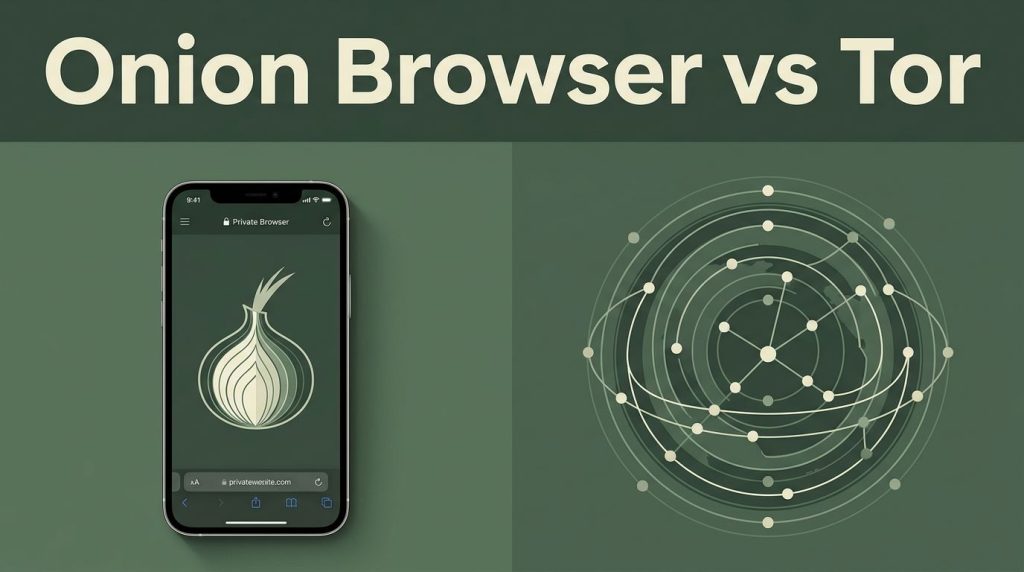
Onion Browser vs Tor is not a simple app comparison. Tor is an anonymity network, while the iPhone app connects to it. As of August 2026, The Tor Project’s guidance says the iOS option remains available, but the official Tor Browser still isn’t available on iOS.
Tor uses onion routing to support network anonymity and make traffic analysis harder, but it can’t defeat every observer. Know Lockdown Mode’s limits: it may reduce attack surface, but it can’t route traffic through Tor or make you anonymous.
Key Takeaways
- Tor is the anonymity network, while Onion Browser is an iPhone app that routes its browser traffic through Tor. The official Tor Browser is still unavailable on iOS.
- Onion Browser protects traffic from that app only; it does not automatically protect Safari, other apps, cloud backups, or the rest of the device.
- Apple’s WebKit requirement limits browser-level privacy and anti-fingerprinting controls compared with Tor Browser on Android or desktop.
- Use the built-in Tor proxy for simpler app-only routing, or Orbot when selected device traffic should use Tor. A VPN is not automatically a privacy upgrade, and bridges are more appropriate for Tor blocking.
- Verify onion addresses, avoid personal logins and unsafe downloads, keep iOS updated, and treat Lockdown Mode as device hardening—not a replacement for safe browsing habits.
Onion Browser vs Tor on iPhone: What You Are Comparing
Tor is a free overlay network and an anonymity network that uses onion routing to make it harder for websites, local networks, and internet providers to link browsing activity to your real IP address. Onion Browser is an open-source app and mobile browser that sends its browser traffic through that network.
Tor Is the Network, Tor Browser Is the App
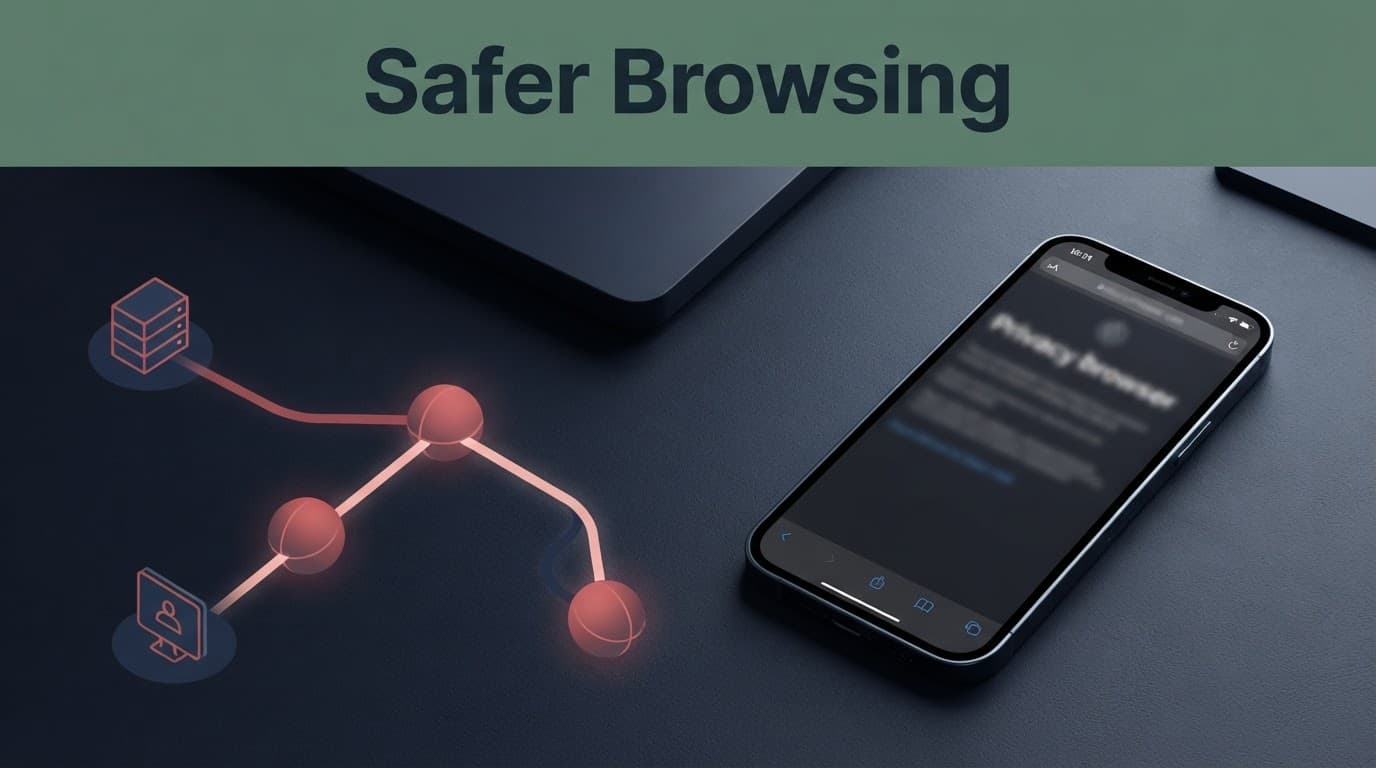
Tor uses onion routing to route traffic through a three-hop circuit. Your connection moves through a guard relay, a middle relay, and an exit relay, often called an exit node, before reaching a normal website. Each relay only knows part of the route. The guard relay sees your connection address, while the middle relay links the hops without seeing the whole route.
This layered routing is why Tor can offer network anonymity. Your internet provider can see that you are using Tor, but it should not see the website you visit. The website sees the exit relay’s IP address, not your home or mobile IP. Traffic analysis remains a limitation of this privacy model.
Normal websites receive traffic through an exit relay, while onion services use onion routing and Tor-only addressing to stay within the network.
Tor Browser is the official browser built around that network and supports onion services. It includes privacy-enhancing features that reduce fingerprinting and standardize the browsing experience, helping users look less unique.
No Official iOS Version Exists
The Tor Project recommends Onion Browser for iPhone users because there is no official iOS implementation. Its Tor Browser installation guidance lists Android, Windows, macOS, and Linux as supported platforms.
That makes Onion Browser the practical choice for private iPhone browsing. It can reach onion services too, but it is not a full replacement for Tor Browser on desktop or Android.
Be careful with App Store clones using names like “Tor VPN” or “Onion VPN.” A familiar name does not prove that an app is official or connected to the Tor network. Android users can install the official Tor Browser app, but iPhone users should stay with the Tor Project’s recommended iOS option.
Why WebKit Changes the Privacy Comparison
Apple requires browsers distributed on iPhone to use the WebKit framework. Onion Browser uses WebKit too. This requirement limits how much browser-level privacy control iOS apps can offer compared with desktop or Android.
Browser Fingerprinting Is Harder to Control
Tor Browser uses its own Firefox-based engine and privacy settings to reduce browser fingerprinting. It tries to make your browser characteristics look similar to other Tor Browser users.
A distinctive browser fingerprint can be created from screen size, language settings, device behavior, WebKit details, user agent strings, and related signals. None of those details automatically reveal your name, but together they can make a browser stand out.
That limitation remains when accessing onion services, where browser-level signals can still be observed. The Tor Browser support manual explains why anti-fingerprinting protections matter. On an iPhone, reduce extra signals where you can. Don’t sign into personal accounts during research. Avoid changing privacy settings every session. Don’t install random profiles or browser extensions that claim to make Tor safer.
Tor Traffic Is Not Full Device Privacy
Onion Browser protects traffic inside the app. It doesn’t automatically protect Safari, messaging apps, games, cloud backups, or other apps. Tor routing shouldn’t be confused with end-to-end encryption for those apps.
Your device can also expose information through a weak passcode, malicious configuration profile, outdated iOS version, keyboard history, screenshots, or a compromised Apple ID. Tor is a browser privacy tool, not an antivirus app or device-cleaning service. Lockdown Mode can reduce some device attack risks, but it doesn’t replace a strong passcode or current iOS.
Use a strong passcode, keep iOS updated, review installed profiles, and lock your phone when it is not in use. If Lockdown Mode fits your threat model, remember that it doesn’t replace safe browsing habits.
Built-In Proxy or Orbot: Which Connection Method Fits?
Onion Browser can connect through its built-in Tor proxy or through Orbot. Both methods can reach the Tor network, but they protect different parts of your phone.
The Built-In Tor Proxy Keeps Things Simple
The built-in proxy is usually easier if you only want Onion Browser traffic routed through Tor. It sends only Onion Browser traffic through onion routing.
This approach is useful for reading public research, researching known onion services, or checking a site without exposing your normal IP address.
If Onion Browser shows that Tor is disconnected, stop and reconnect before opening a sensitive page. Browsing first can create IP address leaks, so don’t assume the open browser is private.
Orbot Can Extend Tor Beyond One Browser
Orbot uses an iOS VPN-style connection to extend the same onion routing model to selected device traffic. That can be more flexible than app-only routing.
The trade-off is that iOS normally supports one active VPN connection at a time. When Orbot is using that VPN slot, you generally can’t run a commercial VPN alongside it. The Privacy Guides assessment of Onion Browser covers this difference and why it matters for iPhone users.
Orbot may suit users who want selected apps to use Tor. Built-in routing suits people who want a smaller, easier browsing setup with fewer moving parts.
VPN Use With Tor Is Not a Privacy Upgrade by Default
A VPN and Tor can work together in some setups, but adding a VPN doesn’t automatically make your browsing safer. It changes who sees what.
Tor Over a VPN Shifts Trust to the VPN Provider
With Tor over a VPN, your internet provider sees a VPN connection instead of Tor. The VPN company sees your real IP address, while the Tor entry relay sees the VPN address. This changes the first visible connection, but it doesn’t make onion routing inherently safer.
That may help where Tor use is blocked or attracts unwanted attention. It also gives a VPN provider more information about your connection. A no-logs claim isn’t a technical guarantee, and a VPN doesn’t eliminate traffic analysis, fingerprinting, unsafe downloads, or personal account logins.
Avoid building a complicated chain just because it sounds private. More tools can mean more mistakes.
Bridges Are Better for Tor Blocking
If your network blocks Tor, the Tor Project points users toward bridges. Bridges are entry points that aren’t listed publicly in the same way as normal Tor relays.
A bridge can help users reach onion services when a network blocks Tor, and pluggable transports can make the connection harder to recognize. This supports censorship circumvention without placing a commercial VPN between you and Tor.
For ordinary private iPhone use, start with the normal connection. Add a bridge only when you need to reach onion services on a blocked network.
Onion Browser Security Levels and Daily Use
Onion Browser offers security levels often described as Bronze, Silver, and Gold. Higher settings restrict more web features, which can reduce exposure but may also break sites.
Bronze, Silver, and Gold Have Real Trade-Offs
Bronze is the most compatible setting. It is more likely to load modern sites, media, scripts, and interactive features. It also gives unknown websites more room to run active content.
Silver adds stronger restrictions. Some pages may look incomplete or stop working as expected. Gold is the most restrictive choice and may block scripts or features that many websites rely on.
Start high when opening an unfamiliar address or browsing unfamiliar onion services. Lower the level only if you understand why a trusted research site needs a feature. Never weaken browser settings to make a suspicious page work.
Match the Setting to the Task
For basic reading on well-known public sites, Bronze may be practical. For researching unfamiliar onion services, Silver or Gold is safer.
Researchers, journalists, and privacy-conscious users should keep sessions separate. Don’t log into a personal email account in the same session used to investigate sensitive material. Lockdown Mode offers optional device hardening, but it doesn’t change the browser’s restrictions or make an untrusted onion service safe. Clear the session when you are done, then close the app.
Visiting Onion Websites Without Taking Unnecessary Risks
An onion address is not a safety certificate. It points to one of the onion services reached through Tor’s onion routing, rather than the normal public web. Onion services don’t use a standard exit relay in the same way normal websites do.
Treat Every Address as Something to Verify
People looking for Verified onion links often want a safe starting point for research. The problem is that copied directories, phishing pages, and lookalike addresses can point to fake onion services.
Check an onion address against the organization’s official public website, verified social account, or published documentation. A long onion address should be copied carefully, not typed from memory. Claimed verified Tor websites may have officially published links that become outdated, cloned, or compromised.
The terms “deep web sites” and dark web sites are often mixed together, but they are not the same. A private email inbox is part of the deep web. An onion service is a Tor-only site.
Tor uses onion routing to hide your route. It doesn’t prove a website is genuine or make downloads safe.
Do not trust a directory only because its name appears often. Copied directories may list fake onion services. Names such as Tor Taxi or Tor Watch can change, disappear, or be copied by others.
Keep Research Separate From Real Identity
Skip links from unknown onion services that push crypto payments, downloads, account recovery offers, or dark web marketplace listings. Such pages can expose you to scams, malware, extortion, and stolen data.
Never download files from an unknown onion service to your main iPhone. Lockdown Mode may provide limited hardening, but it doesn’t validate a site or make downloads safe. Do not share your real name, phone number, email address, photos, wallet details, or work credentials. If a website asks for identity details before offering basic information, leave it.
For legitimate research, use official sources whenever possible. Public-interest organizations, privacy projects, academic resources, and major news outlets may publish their own verified addresses for onion services.
Tor’s Limits: Traffic Analysis, Relay Roles, and Speed
Tor reduces risk, but it does not remove it. Understanding those limits keeps you from trusting the browser too much.
A Powerful Observer Can Still Compare Traffic Patterns
The guard relay can see your IP address, but not the final website. In onion routing, a middle relay sees neighboring relays, not both endpoints. Normal websites leave the relay network, but onion services stay inside it, limiting what one relay can see.
A network observer may compare timing and traffic volume while watching both ends, even when onion services lack a normal exit path. This is called traffic analysis. Onion routing makes those patterns harder to interpret, but it cannot protect against every well-funded observer.
When visiting a normal website through an exit node, use HTTPS whenever it is available. HTTPS provides end-to-end encryption for the browser-to-site connection, protecting page content in transit, but it doesn’t authenticate an untrusted site by itself. Plain HTTP traffic can be visible to the exit relay.
Slow Browsing Is Part of the Trade-Off
Tor is often slower than Safari because traffic moves through several volunteer-operated relays. Pages may load slowly, videos can struggle, and some websites block traffic from a Tor exit node due to fraud controls.
Don’t keep refreshing pages or downloading large files to force better performance. That can create more exposure and rarely fixes the real issue. Private browsing works best when you keep activity focused and avoid heavy media.
Frequently Asked Questions
Is Onion Browser the same as Tor Browser?
No. Tor is the anonymity network, while Onion Browser is an iOS browser that connects to it. The official Tor Browser is available on Android, Windows, macOS, and Linux, but not on iPhone.
Does Onion Browser protect my whole iPhone?
No. Its built-in routing normally protects traffic from Onion Browser only. Safari, messaging apps, games, backups, and other apps continue to use their own connections unless you configure a broader option such as Orbot for selected traffic.
Is Onion Browser anonymous on iPhone?
It can hide your normal IP address from the websites you visit, but it does not guarantee anonymity. Personal logins, reused email addresses, browser fingerprinting, device compromise, and traffic analysis can still expose information about you.
Should I use a VPN with Onion Browser?
Not by default. Tor over a VPN changes which party sees your initial connection, but it gives the VPN provider additional trust and does not eliminate fingerprinting, traffic analysis, or unsafe browsing risks.
How can I safely visit an onion service?
Verify the onion address through the organization’s official website, verified account, or published documentation. Use stronger Onion Browser security settings for unfamiliar services, avoid personal information and unknown downloads, and leave any page that requests unnecessary identity or payment details.
Final Thoughts
For private iPhone use, Onion Browser is the right Tor-based browser, but it doesn’t offer the same browser protections as official Tor Browser on Android or desktop. WebKit limits anti-fingerprinting controls, and Tor only protects traffic that actually passes through it.
Use careful settings, keep your iPhone secure with Lockdown Mode, and verify addresses for onion services before opening them. The Tor Project calls Tor an anonymity network, not a guarantee of anonymity; no single app offers the strongest protection. The strongest protection is good privacy habits every time you browse.