
Tor can hide your IP address, but it can’t protect information you hand over yourself. That is why Tor Browser security levels and other security settings matter as much as the network behind the browser, especially for digital privacy.
A setting that feels too strict can break a website. A setting that feels convenient can expose you to risky scripts and media. The right choice depends on what you are doing, your need for anonymous communication, who you are protecting yourself from, and how much site functionality you need. The Electronic Frontier Foundation describes Tor as a privacy tool, not a guarantee of invisibility.
Start by separating what Tor Browser does from the Tor network, onion routing, and onion services. These related concepts are not interchangeable with the dark web.
Key Takeaways
- Standard keeps the most website features active, while Safer and Safest limit scripts, media, fonts, and other features that can increase browser-based risk.
- A higher Tor Browser security level can reduce exposure to hostile web content, but it does not change onion routing, your IP address, or the identity you reveal through accounts and messages.
- Choose Standard for necessary functionality, Safer for general research, and Safest for reading static pages when privacy matters more than convenience.
- Restart Tor Browser after changing the security level so the setting is fully applied, especially before sensitive browsing.
- Do not weaken Tor Browser with extensions, advanced customizations, torrents, unsafe downloads, or unverified onion links. Secure habits, HTTPS, updated software, and careful identity separation remain essential.
Tor Browser and the Tor Network Are Not the Same Thing
The Tor network is a volunteer-run system built from independent volunteer relays. The Tor Project maintains Tor Browser and documents how the network passes traffic through several relays before reaching a website. Tor Browser connects you to that network while adding protections against trackers, browser fingerprinting, and common browser threats. The Electronic Frontier Foundation distinguishes network anonymity from the browser privacy Tor Browser provides.
Your traffic usually moves through three relays. The guard node is the first relay and can see your IP address, but it doesn’t know the final website you visit. A middle relay passes encrypted traffic between nodes through the onion routing design. Each hop has a separate encryption layer. The exit node sends traffic to a normal website, which sees the exit node’s IP address instead of yours.
This onion routing design makes casual tracking harder. No single relay should see both your identity and destination, which is central to onion routing. Still, Tor isn’t an invisibility cloak. A malicious exit node can inspect traffic that is not protected with HTTPS, and malicious exit nodes may alter unencrypted traffic. A powerful observer, such as a national security agency, may attempt traffic analysis by watching both ends of a connection. Security research shows that traffic analysis can reveal connection patterns, so Tor helps against routine network surveillance but not global monitoring.
People also use Tor for censorship circumvention, anonymous communication, and ordinary privacy. The Silk Road investigation showed that operational mistakes can still expose operators despite Tor.
Tor Browser also tries to make users look similar. That reduces browser fingerprinting, where websites identify you through a mix of screen size, fonts, browser settings, extensions, and device details. Adding extensions or changing hidden settings can make your browser more unique, which works against that protection. The Electronic Frontier Foundation also warns that custom changes can weaken fingerprinting defenses.
Onion services work differently because they stay inside the Tor network. They don’t use a normal exit node. Onion services use onion routing, keeping both sides inside Tor and reducing some exposure. These onion services aren’t automatically trustworthy, however. The Electronic Frontier Foundation notes that onion services protect location, not the honesty of their operators. Tor traffic isn’t synonymous with the dark web.
Tor Browser Security Levels: What Changes
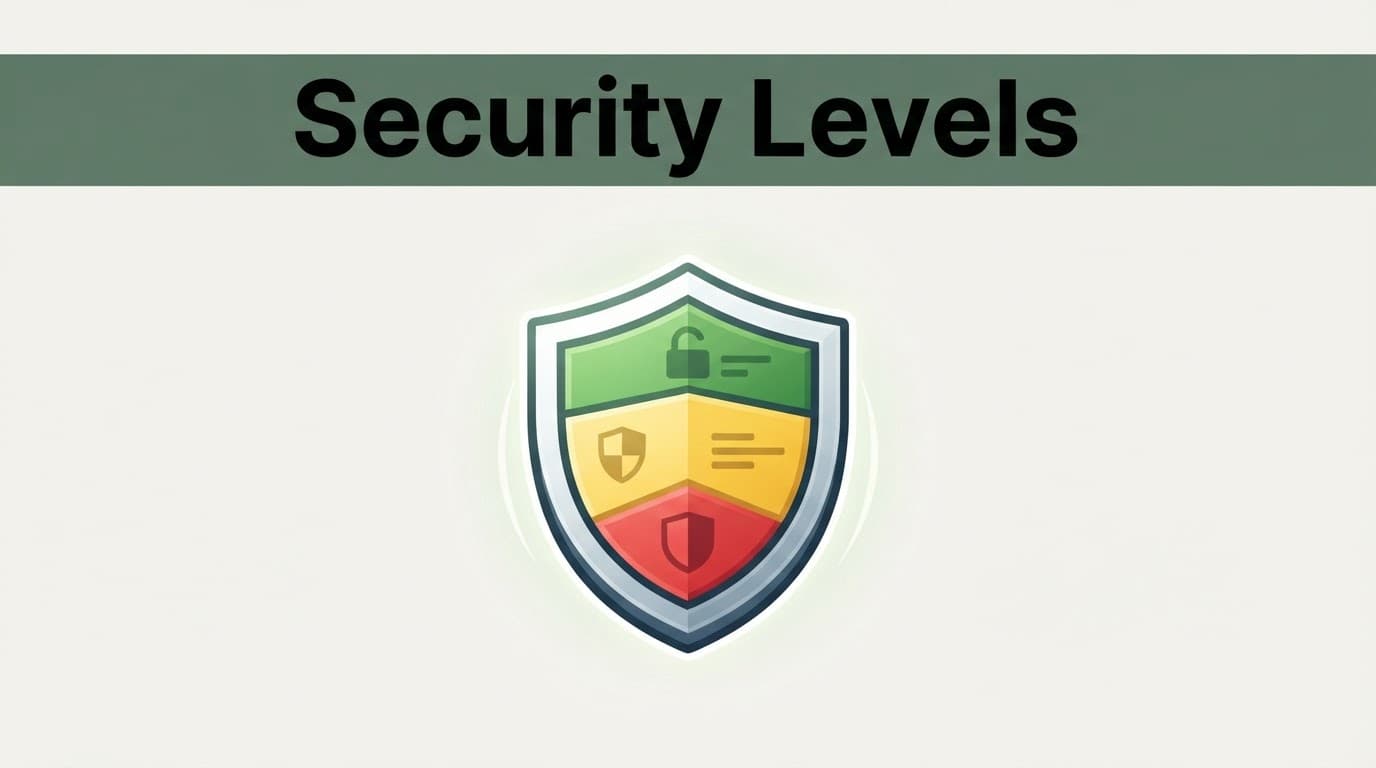
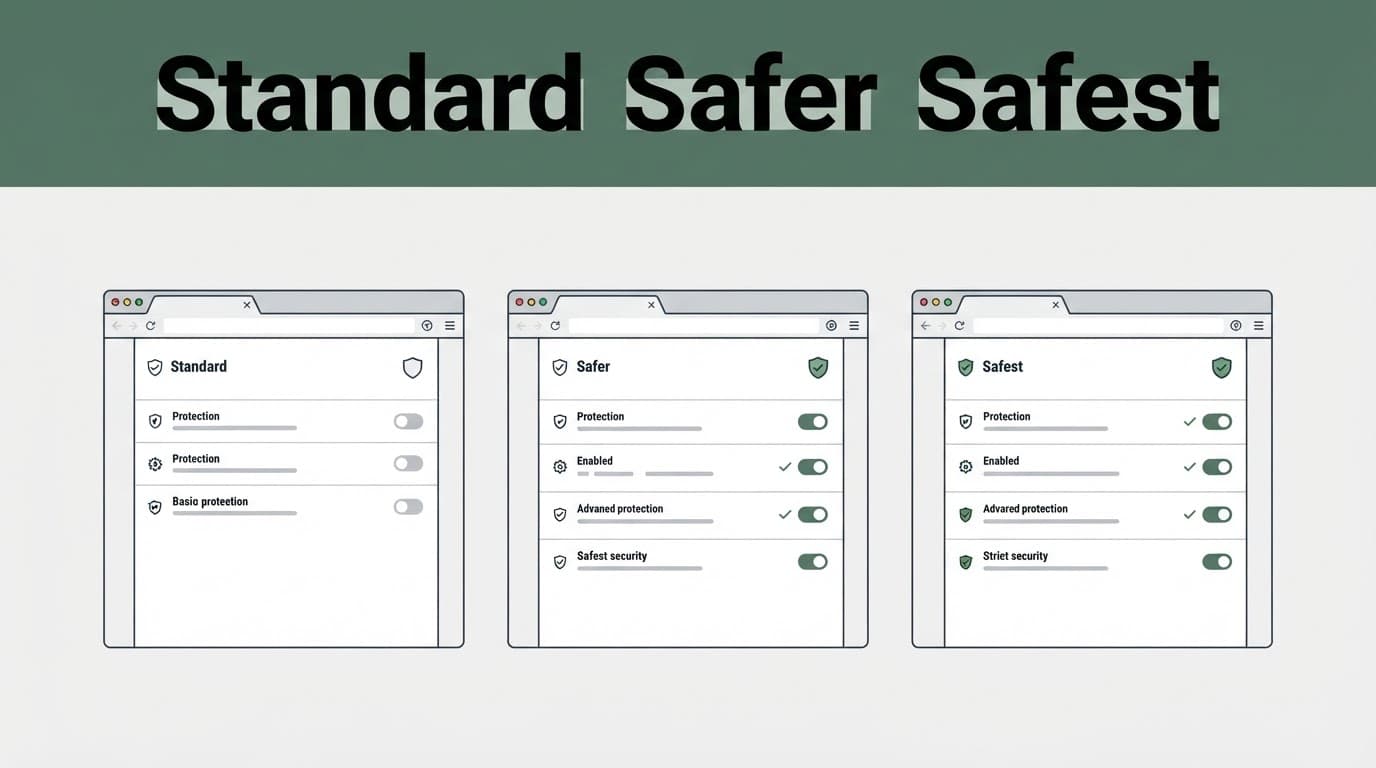
Tor Browser defaults to Standard, but you can choose Standard, Safer, or Safest. Each option changes how the browser handles scripts, media, fonts, and other web features that attackers can abuse. It doesn’t change the network’s onion routing.
To change these security settings, open the browser menu, go to Settings, choose Privacy & Security, then find Security Level. Select the level you want and restart the browser before sensitive browsing. Android users should use the “Save and restart” option.
The Tor Project’s security-level guide confirms that these choices trade site compatibility for stronger protections. The Electronic Frontier Foundation makes a similar point about balancing compatibility with privacy.
A higher setting can reduce browser-based risk, but it cannot protect an identity you reveal through a login, message, or downloaded file. Changing the browser level doesn’t change your network identity or IP address.
Before relying on a setting for sensitive browsing, check the latest official security advisory.
Here is what each setting means in practical use:
| Security level | What changes | Best fit |
|---|---|---|
| Standard | All browser and website features remain enabled. | Everyday private browsing when a site needs scripts, video, logins, or complex forms. |
| Safer | JavaScript is disabled on non-HTTPS sites. HTML5 audio and video become click-to-play, and some fonts and math symbols are limited. | General research where you want better protection without breaking most HTTPS sites. |
| Safest | JavaScript is disabled by default on all sites. Images, media, and scripts face stronger restrictions. | Reading static pages or visiting unfamiliar sites where privacy matters more than convenience. |
Standard gives websites the most freedom. It is often needed for maps, payment systems, document portals, media players, dynamic pages on onion services, and sites with strict bot checks. Tor Browser is built on open-source software and includes built-in privacy protections, but Standard leaves more browser features active.
Safer is a solid middle setting for many readers. It blocks JavaScript on unencrypted websites, where scripts can be riskier, while leaving most secure websites usable. You may see missing icons, odd page layouts, or videos that need an extra click.
Safest is for situations where you don’t need rich web features. Some login pages, search tools, interactive maps, video players, comments, CAPTCHA checks, and interactive features on onion services can fail. That inconvenience is part of the protection. Fewer active features give a hostile website fewer ways to probe your browser.
Choosing a Setting Without Breaking Your Browser
Use Standard when you need a site to work and the information is not highly sensitive. Use Safer for research across unknown websites, especially older or poorly secured pages. Choose Safest when you only need to read information and can accept a stripped-down experience. Treat these security settings as one part of your digital privacy routine.
A broken page does not always mean your browser is malfunctioning. Even trusted onion services may need richer browser features. Under Safest, dynamic onion services can fail when JavaScript drives a main menu, login screen, search field, or media player. First decide whether that feature is worth lowering your protection for.
If you need a trusted website to work, temporarily select a lower mode and restart Tor Browser. Lowering the mode changes browser features, not your IP address or onion routing. It isn’t a substitute for bridge or connection tools used for censorship circumvention. Do not install an extension or change Firefox settings through advanced configuration pages. These customizations can weaken Tor Browser’s privacy design and make your browser more distinctive through browser fingerprinting.
A 2025 Privacy Guides report on the security slider was one piece of security research. It found that a changed mode was not always fully applied until the browser restarted. Close the browser, reopen it, then start the session you want protected. Restarting applies the browser setting, but it does not prevent traffic analysis or broader network surveillance.
What Tor Security Settings Cannot Protect
The three Tor Browser settings protect your browser. They do not fix unsafe habits, infected devices, or identity mistakes.
Logging into a personal email account, bank account, social network, or work portal tells that service who you are. Onion routing can hide your home IP address through a guard node, but services can still connect activity to your login. Reusing a known username, profile image, recovery email, or phone number creates the same link. The Electronic Frontier Foundation emphasizes that services still see information users provide, including on onion services and the dark web. The Silk Road case involved the Federal Bureau of Investigation, but browser settings alone did not determine attribution.
A website also cannot protect you if malware is already on your computer or arrives through files downloaded from onion services. Keyloggers, remote-access tools, and compromised browser files can capture information before Tor encrypts it. Keep your operating system updated; use reputable security software and review security software alerts before opening downloaded documents offline. The Silk Road case also illustrates why device hygiene and operational security matter.
The Tor Project’s safe-use guidance also warns users not to add browser extensions or torrent files. Torrent clients can reveal your real IP address outside Tor, and an exit node does not make them safe. Malicious exit nodes can observe unencrypted traffic, so HTTPS still matters. Extensions can enable browser fingerprinting, create unique browser traits, and expose more data than you expect.
Do not maximize the browser window if anonymity is important. Avoid copying personal writing, photos, or files into anonymous accounts on onion services. A .onion address does not prove that a site is trustworthy. A virtual private network has different trust and anonymity properties from Tor, so it is not a complete solution. Small details can connect separate identities.
Powerful observers, such as a national security agency, may use traffic analysis. No browser setting defeats every such risk. Good digital privacy also means separating local browsing history from information you disclose to websites. Privacy works best when your browser, accounts, device habits, and shared information tell the same story.
Finding Tor Resources Without Trusting Random Directories
Tor Browser is legal to download and use in the United States. Journalists, researchers, human-rights workers, people facing censorship, domestic abuse survivors, and ordinary privacy-minded users rely on it for lawful anonymous communication. It can also support censorship circumvention and access to legitimate onion services.
The Electronic Frontier Foundation notes that Tor has limits. A powerful national security agency may use monitoring methods beyond the browser’s protections. Using Tor isn’t proof of criminal conduct, even if a national security agency monitors the network.
The risk starts when people download software from random mirrors or trust a directory because it uses words like “verified.” Get the browser from the official Tor Browser support hub, the Tor Project’s authoritative source for this open-source software. Keep it updated, verify downloads before opening them, and keep your security software current.
A virtual private network doesn’t replace checking software or onion addresses.
The same caution applies to onion addresses. Onion routing sends traffic through multiple relays, but even official onion services require careful address verification. A list claiming to contain Verified onion links or verified Tor websites isn’t proof that every onion service is safe. Check the address against an organization’s official public website when possible. Look for clear ownership, current information, and HTTPS on normal web pages.
Terms such as deep web sites and dark web are often used as if they mean the same thing. They don’t. Most private content behind logins is part of the deep web and has nothing to do with Tor. The dark web isn’t synonymous with all onion services or all Tor users.
Deep web marketplaces can carry serious fraud, malware, and legal risk. Don’t treat curiosity as a reason to share payment details, create accounts, or download files. Torrents and malicious downloads can expose your IP address or bypass browser protections.
Historical context: Silk Road’s criminal history doesn’t establish that every Tor destination is unsafe. The Federal Bureau of Investigation investigated Silk Road, which was shut down in 2013. A Federal Bureau of Investigation case involving Silk Road doesn’t validate every directory claim.
Directories branded as Tor Taxi or Tor Watch may appear in searches, but a directory listing isn’t a security review.
A listing can’t tell you how a destination handles traffic or whether an exit node used for normal web access is trustworthy. The Tor network uses onion routing through volunteer relays, and a typical circuit includes a middle relay. That infrastructure doesn’t turn a directory listing into a list of safe relays. An unknown directory also doesn’t make an unfamiliar onion service trustworthy. It can’t protect you from every form of traffic analysis.
Treat every unknown link as untrusted until you can independently confirm who operates it.
Frequently Asked Questions
Which Tor Browser security level is safest?
Safest provides the strongest browser-based restrictions by disabling JavaScript by default and limiting images, media, and other active features. It can also break login pages, video players, CAPTCHA checks, and interactive onion services.
Does changing the security level hide my IP address?
No. The security level changes how Tor Browser handles web features; it does not change Tor’s onion routing or your network identity. Tor can hide your home IP address from the destination, but it cannot hide information you disclose through accounts, messages, or files.
Should I use Standard, Safer, or Safest?
Use Standard when a trusted website requires scripts, media, or complex forms, Safer for general research across unfamiliar sites, and Safest when you mainly need to read static content. The right choice depends on how sensitive the activity is and how much functionality you need.
Why should I restart Tor Browser after changing the setting?
Restarting helps ensure that the selected security level is fully applied before sensitive browsing. It applies the browser setting, but it does not prevent traffic analysis, malware, or identity mistakes.
Can a .onion website be trusted automatically?
No. Onion services protect the location of a service but do not prove that its operators are honest or that its content is safe. Verify onion addresses through an organization’s official website and treat unknown links, downloads, and directories as untrusted.
Safer Anonymous Browsing Comes Down to Habits
These three browser modes offer a practical choice between convenience and protection. Standard keeps the web usable, Safer limits risky features, and Safest removes most active content that could expose your browser.
The strongest setting isn’t always Safest. The strongest choice is the one that fits your task without pushing you into unsafe workarounds. Privacy improves when your settings and your habits match. These modes don’t change onion routing. A .onion destination, including one using onion services, isn’t automatically trustworthy.