
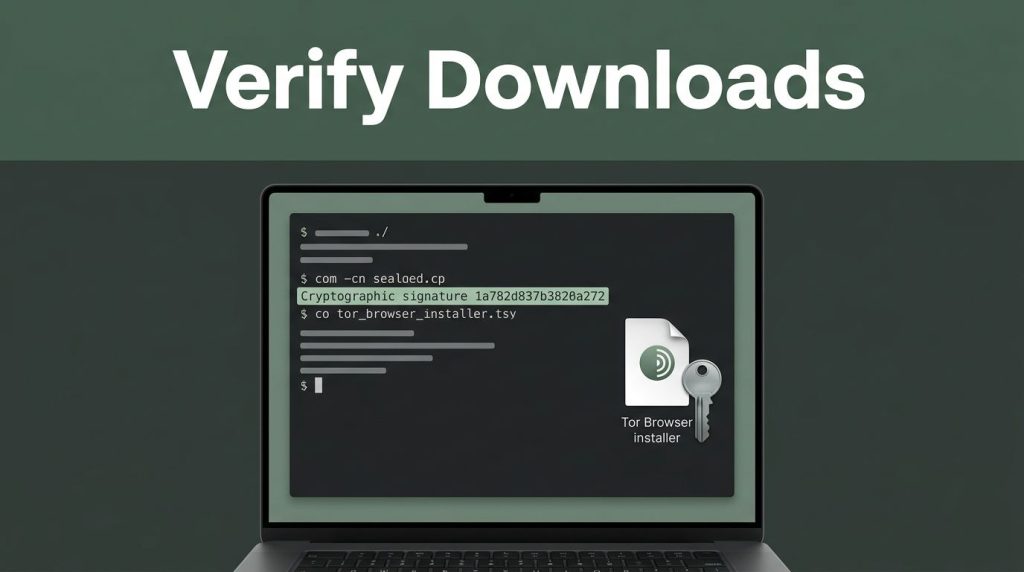
An installer that looks normal can still be altered or replaced, potentially exposing your IP address, passwords, or research. If you use privacy tools for sensitive work, verify Tor downloads before installation, not after something feels wrong.
GnuPG validates OpenPGP signatures on a Tor Browser installer package against the signing key and public key published by the Tor Project. Get the files from its official mirrors when possible, and choose the version for your operating system. This cryptographic signature helps confirm the package’s authenticity and integrity, but it doesn’t make every website trustworthy.
Key Takeaways
- Download the Tor Browser package and matching
.ascsignature from the official Tor Project Download page or GetTor. - Confirm the signing key’s fingerprint independently before using it:
EF6E 286D DA85 EA2A 4BA7 DE68 4E2C 6E87 9329 8290. - Run
gpgvwith the verified local keyring and exact package filenames before opening or installing anything. - A
Good signaturesupports the package’s authenticity and integrity, while aBad signaturemeans you should stop and download both files again. - Onion directories, mirrors, and delivery services provide locations for downloads, not proof that the software is genuine.
Why You Should Verify Tor Downloads Before Installing
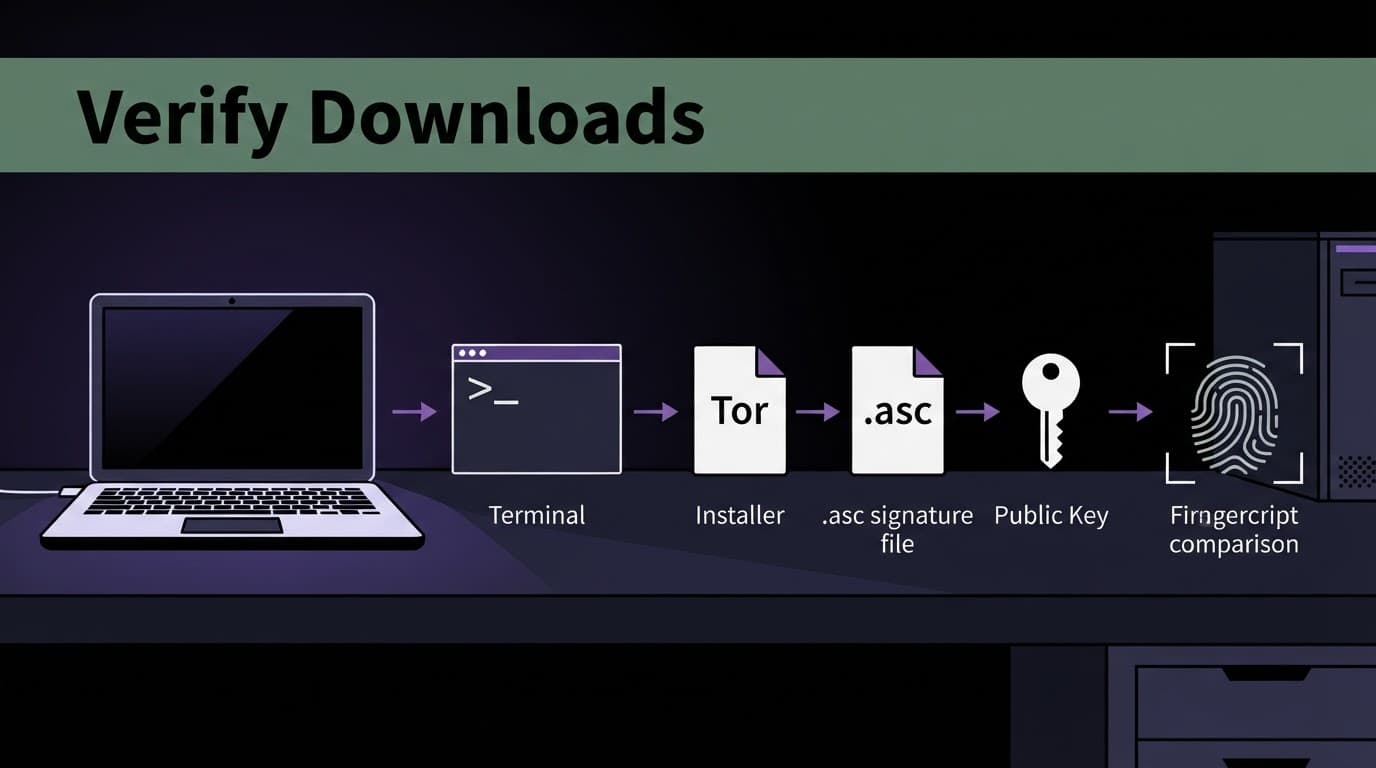
Tor Browser files can be copied, renamed, and shared across many places. A .asc signature file gives GnuPG a way to compare the downloaded release with a trusted signature.
A checksum can reveal accidental corruption, while a cryptographic signature also depends on trusting the signer. This check gives you evidence before the installer touches your system. Verifying a release binary differs from reviewing its source code, and mirrors are distribution locations, not proof of authenticity. Follow the Tor Project’s signature verification instructions if you want to compare your results with its official guidance.
Get the Browser File and Signature Together
Use the official Tor Project Download page, not a search ad, social-media post, anonymous distribution directory, or unverified mirrors. Download the matching Tor Browser archive or installer package and its signature file.
Place both files in your downloads folder. Check that their filenames refer to the same release. Don’t run the Windows .exe, mount the macOS .dmg, or extract the Linux archive yet.
Use GetTor if the Main Site Is Blocked
If the main site is blocked, GetTor can send download links through Telegram using @GetTor_Bot. You can also email gettor@torproject.org with windows, osx, linux, or android in the message body to request GetTor links.
GetTor returns links for the requested Tor Browser release, plus a signature and verification details. Independently check the checksum and fingerprint for each GetTor download, then use the signature returned by GetTor to confirm its source.
Install GnuPG Before You Continue
Linux users can install it through their distribution’s package manager. On macOS, install gpg through a trusted package manager. Windows users can install Gpg4win through the official GnuPG download page.
After installation, use the command line in a terminal window. On Linux and macOS, open one directly; on Windows, use PowerShell or Command Prompt.
Confirm the Tor Browser Signing Key
A public key alone isn’t proof. Compare it with a trusted Tor Project source before using the signing key.
The developers’ signing key has this fingerprint:
EF6E 286D DA85 EA2A 4BA7 DE68 4E2C 6E87 9329 8290
Use GnuPG’s key lookup command to retrieve it:
gpg --auto-key-locate nodefault,wkd --locate-keys torbrowser@torproject.org
Then display the key’s fingerprint:
gpg --fingerprint EF6E286DDA85EA2A4BA7DE684E2C6E8793298290
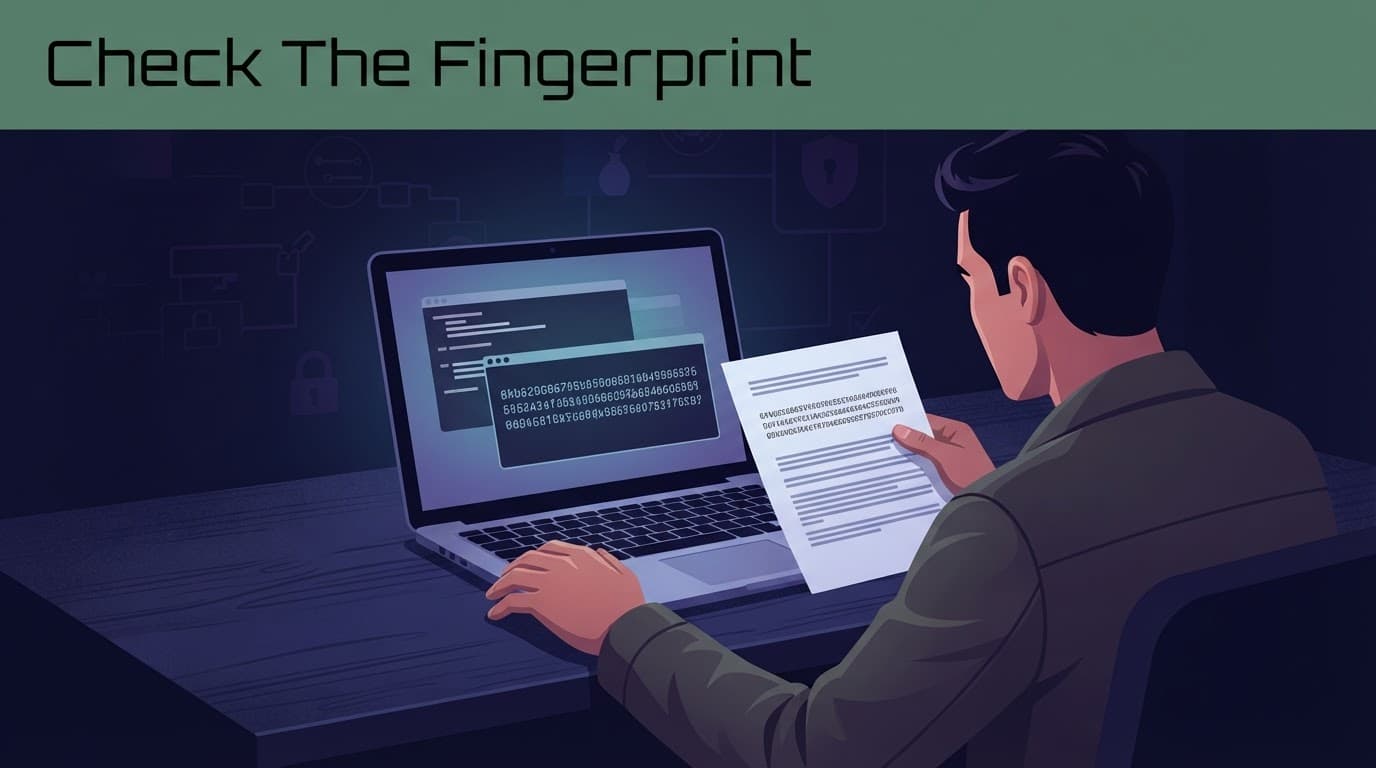
Every character must match. Don’t retrieve a key and verify it through the same untrusted channel. If GetTor supplied a key, check it independently against an official source. Tor’s key-management guidance explains why independent checks matter.
Once it matches, create a restricted local keyring for the verified key:
gpg --output ./tor.keyring --export EF6E286DDA85EA2A4BA7DE684E2C6E8793298290
This export command writes the verified key to that keyring.
Verify Tor Downloads on Linux, macOS, and Windows
The final command line is nearly identical across every operating system. This check verifies the Tor Browser archive or installer with its matching signature file and signing key.
Replace package with the exact filename you downloaded.
Linux and macOS Commands
Move into the folder that holds the browser package, the .asc file, and tor.keyring. Then run:
gpgv --keyring ./tor.keyring "package.asc" "package"
For example, a Linux download uses a .tar.xz archive. A macOS download uses a .dmg installer package, each with its matching .asc file.
Use the complete filenames exactly as they appear locally. One missing character can cause a file-not-found error.
Windows Commands and SignTool
In PowerShell, go to your downloads folder and run:
gpgv --keyring .\tor.keyring "package.exe.asc" "package.exe"
Windows users with GnuPG or Gpg4win installed should verify the .exe installer package and its matching .exe.asc file. If you downloaded a 32-bit installer, use the matching 32-bit package, not the x86_64 version.
If you have the relevant tools from Microsoft’s Windows SDK, use SignTool: signtool verify /pa "gpg4win-installer.exe" to check Gpg4win’s Authenticode signature. SignTool checks a separate Windows publisher signature and doesn’t replace gpgv verification for the Tor Browser.
Read the Result Before You Install
A Good Signature Is the Result You Need
GnuPG should report a Good signature from "Tor Browser Developers (signing key) <torbrowser@torproject.org>". A warning that the key isn’t certified is different from a failed result.
That warning means the keyring hasn’t built trust for the key through its web of trust. If you manually checked the published value, the result is still valid.
A verified result without a matching fingerprint isn’t enough. The fingerprint identifies the key that performed the signature.
A Bad signature means stop. After a Bad signature, delete the installer and .asc file, then download both again through an official channel. Never install the installer package until verification succeeds.
Treat Onion Directories as Untrusted Sources
An onion service or directory is only a delivery location, not proof that a download is genuine. Even an onion service reached through a listed address cannot replace signature verification.
Use official mirrors, GetTor, or the official Telegram channel when you need another copy. Directories calling themselves verified websites, deep web sites, Tor Watch listings, tor taxi listings, or deep web market places can change without warning. Verified Tor Onion Links is no substitute for software authentication.
If a work device has already run an unverified installer, isolate it and contact an authorized organizational security team. Avoid using a third-party service such as Pro Ethical Hackers For Hire as a substitute for that assessment.
Frequently Asked Questions
Why should I verify a Tor Browser download?
A downloaded installer can be altered or replaced before it reaches your computer. GPG signature verification gives you evidence that the package matches the release signed by the Tor Browser Developers.
What does a .asc file do?
The .asc file contains the cryptographic signature for the matching Tor Browser package. GnuPG compares that signature with the package and the trusted signing key to check whether the files match.
Is a checksum enough to verify Tor Browser?
A checksum can reveal accidental corruption, but it does not establish who produced the file. A cryptographic signature also depends on independently confirming the signing key’s fingerprint.
What should I do if GnuPG reports a bad signature?
Do not install or open the package. Delete the installer and its .asc file, then download both again through an official Tor Project channel and repeat the verification.
Can GetTor replace signature verification?
No. GetTor provides another way to obtain Tor Browser when the main site is blocked, but you should still independently check the key fingerprint and verify the downloaded package with gpgv.
Final Thoughts
To verify Tor downloads, get the package and .asc file together from the official Tor Browser Download page, check the keyring, and run gpgv before opening anything.
GetTor offers another delivery route, but it doesn’t replace signature verification. If you use GetTor, the same check confirms the file is the one the developers signed.