
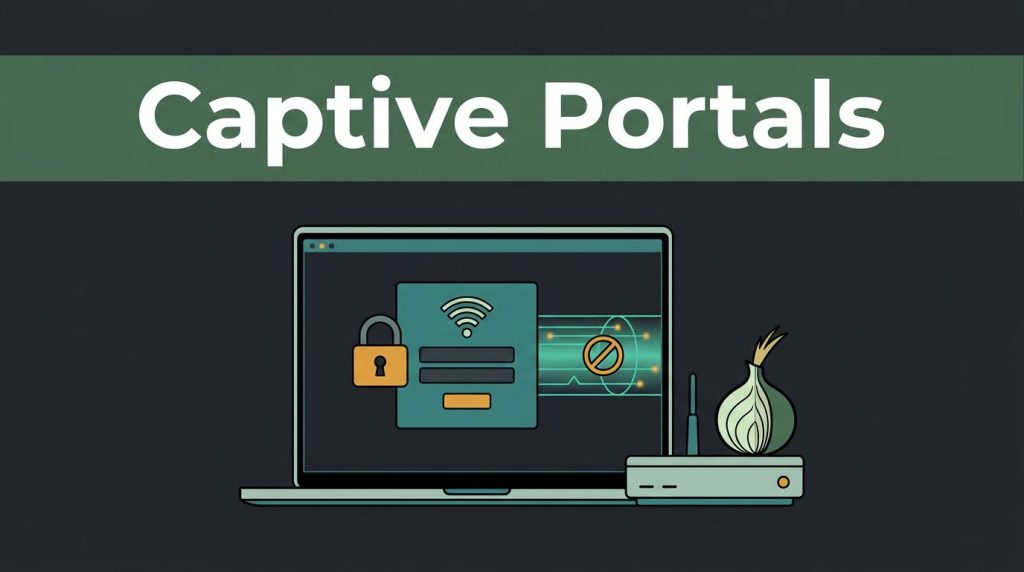
You join hotel Wi-Fi, open Tor Browser, and nothing happens. No sites load, no bridge connects, and the browser appears broken. Usually, it isn’t. A captive portal is blocking the connection.
On public Wi-Fi, the captive portals Tor users face in airports, cafes, libraries, and hotels can block traffic on a Wi-Fi network. That traffic stays blocked until you accept terms or complete authentication. The authentication process must finish before internet access is available, a basic network security rule.
The same pre-login rule applies to local systems and a cloud-based captive portal. This guide covers TorBox, Whonix-Gateway, and Tor Browser on ordinary devices. TorBox users face the same pre-authentication limit. Don’t defeat that control. Authenticate first through an approved direct connection, then start Tor.
Key Takeaways
- A captive portal blocks internet access until you complete its approved authentication process, so Tor cannot bootstrap before login.
- Authenticate through the venue’s verified network first, then start Tor Browser, TorBox, or Whonix-Gateway after ordinary internet access works.
- Use an unsafe browser only as a temporary, narrow exception for the approved portal page, and never ignore certificate warnings or enter sensitive credentials on an untrusted page.
- Tor protects traffic after it connects, but the network may still see device details, connection times, and data usage; cloud-based captive portals may also collect consent and tracking information.
- Do not use spoofing or tunnelling methods to evade payment, impersonate another device, or break network rules; limit such methods to equipment and networks you own or administer.
The captive portals Tor users face on public Wi-Fi
A captive portal is the network’s front desk. Your device may join the wireless network and receive a local IP address. The captive portal still blocks internet access until you gain approval.
The Wi-Fi network waits for a browser request, then hosted infrastructure such as a cloud-based captive portal presents a landing page. You might accept terms, enter a voucher code, or sign in with an approved account.
Tor can’t work normally at this stage because it needs to contact directory authorities, entry guards, bridges, or relays. Those network resources remain unreachable until the device is approved. TorBox and Whonix-Gateway face the same bootstrap requirement.
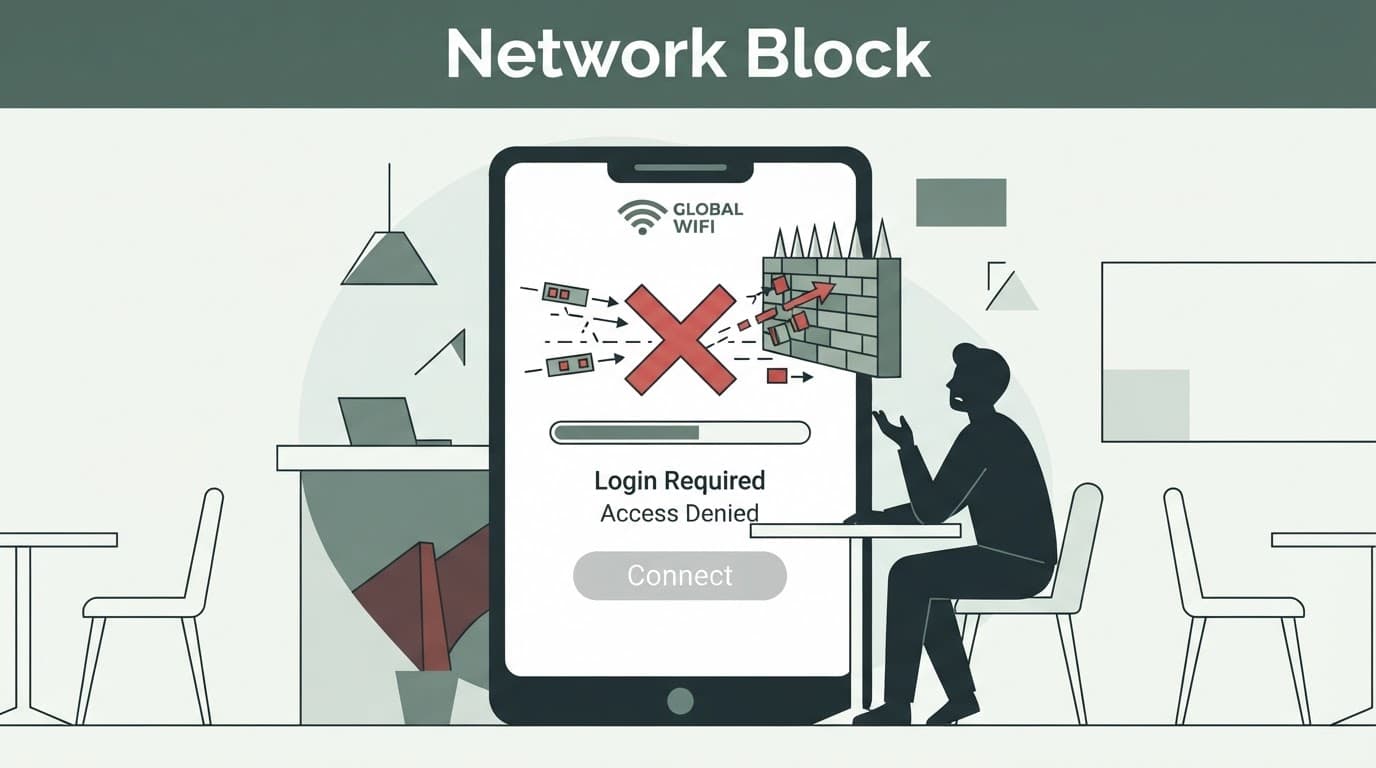
Captive portals use several methods to catch traffic before login:
- HTTP redirect sends an unencrypted web request to the portal’s login page.
- DNS redirection returns the portal’s address when your device tries to resolve a website name.
- Firewall rules block outside IP addresses and ports until your device is approved.
- MAC address whitelisting marks your device as authenticated after you complete the portal process.
- captive portal detection uses ICMP requests and connectivity checks to identify restricted access.
TorBox can face these restrictions even when its traffic is isolated from other applications. Some systems enforce rules locally at the access point, while a cloud-based captive portal manages them through hosted infrastructure. Others block HTTPS, Tor ports, DNS requests, and all outbound connections except the portal itself.
Tor is an anonymity network that routes traffic through multiple relays, not a tool that grants access to a blocked network. TorBox cannot bypass a network that has not approved the device. An overview of Tor’s onion-routing design helps explain why initial network access must exist before Tor can build a circuit.
A portal isn’t blocking Tor because it knows who you are. In most cases, it blocks Tor because it blocks nearly every external connection before login.
Complete Portal Authentication Before Starting Tor
The safest method is simple: complete the captive portal’s approved authentication process first, then return to your privacy tools. This respects the venue’s rules and avoids risky workarounds, including for TorBox users.
Don’t enter personal account passwords into a random page that appears after joining a Wi-Fi network. Ask staff for the correct network name at a hotel, airport lounge, cafe, or conference venue. A cloud-based captive portal may deliver the same approved flow, but a malicious access point can copy a brand name and display a fake login page.
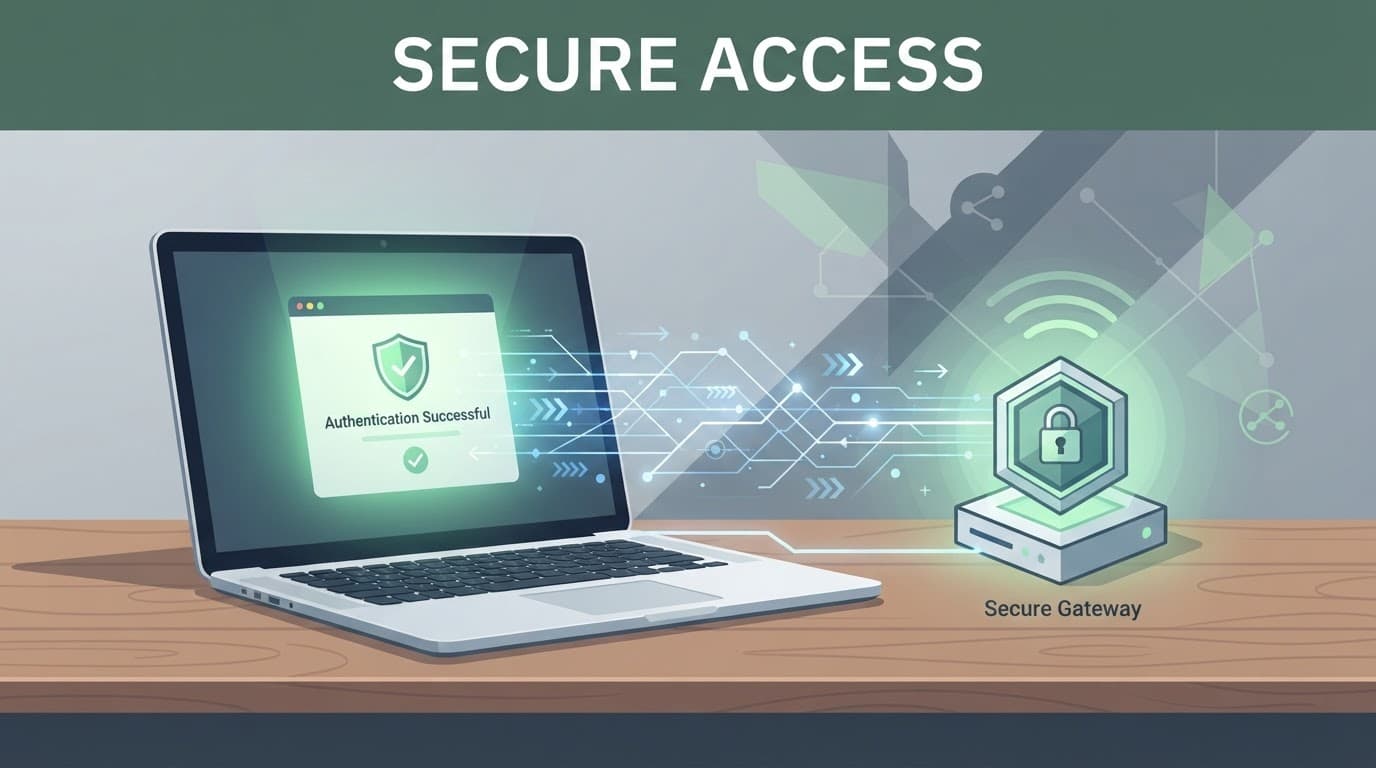
Use this practical order:
- Connect to the official network and wait for your operating system’s network login prompt.
- If the prompt doesn’t appear, open an unsafe browser only for the approved login page. Don’t use it for private browsing, email, banking, or account logins.
- Read the terms of use. Share only information the venue legitimately requires, and don’t provide false details to gain access.
- Check that the page redirects to a valid HTTPS page after sign-in. A certificate warning is a red flag, not something to ignore.
- Close the unsafe browser after authentication. Start Tor Browser or TorBox only after ordinary internet access works. If you use Whonix-Gateway, complete its authentication outside the Tor route.
Tor Browser protects your browsing traffic after it connects, but the local network can still see that your device joined its network. It may record your device’s MAC address, local IP address, connection time, and the amount of data transferred.
If the network blocks Tor after you’ve signed in, don’t attempt to bypass its restrictions. TorBox users should use their mobile connection, another permitted network, or ask the network operator if Tor traffic is allowed. That choice keeps you protected legally and avoids putting other users at risk.
Public Wi-Fi Risks Do Not End at the Login Page
A captive portal can collect more than a click on an “I agree” button. Some request an email, phone number, social sign-in, or marketing consent. Others place tracking cookies in the browser used to authenticate, so data collection and privacy concerns can continue after access is granted.
Centralized services, including a cloud-based captive portal, can link consent records and cookies across locations. Your MAC address can identify a returning device, while the local IP address remains visible when TorBox routes website requests. Modern phones and laptops often use private device addresses, but the setting may differ by network, so check it before connecting.
An HTTP redirect is not itself an attack. Altered or misleading HTTP behavior can expose users to man-in-the-middle attacks. If a page asks you to bypass a browser certificate warning, stop. HTTPS traffic protects data in transit, but it cannot validate a fraudulent portal.
Research into Wi-Fi Enterprise attacks and vulnerabilities shows why authentication, access control, and wireless configuration matter to network security. A guest wireless network is convenient, but it remains untrusted after authentication and should not be treated as a private workspace.
Keep sensitive activity inside Tor Browser after authentication. TorBox can limit website exposure, while Whonix-Gateway routes applications through Tor; neither removes local visibility. Tor cannot repair a fake portal, compromised device, or untrusted browser session, or restore internet access when blocked. For stronger protection, use TorBox only after authentication; avoid downloads, high-value account access, and payment details on unknown networks.
TorBox and Whonix Need a Controlled Exception
Privacy-focused systems make a captive portal harder because TorBox and Whonix are built to prevent direct connections. That is a feature, not a flaw.
Whonix separates activity between a workstation and the Whonix-Gateway. Its gateway routes connections through Tor, so apps on the workstation cannot accidentally reach the open internet. This isolation also shapes TorBox’s design.
Before the authentication process is complete, the Whonix-Gateway cannot bootstrap Tor. Without that bootstrap, the workstation cannot obtain internet access.
This is why TorBox and Whonix-style setups may need an unsafe browser for portal authentication. It runs directly outside the Whonix-Gateway. TorBox setups should treat an unsafe browser as a temporary direct browser and a narrow exception.
Use the unsafe browser only to reach the approved login page. TorBox should not treat this exception as a replacement for Tor routing. Close the unsafe browser immediately after access is granted.
The Whonix-Gateway should then resume its normal role. Don’t use the unsafe browser for onion services, private accounts, or ordinary browsing.
TorBox documentation discusses two controlled approaches, often called spoofing and tunnelling. They are not the same, and they differ from the Whonix-Gateway’s normal isolation:
| Method | What It Does | Safe and Ethical Boundary |
|---|---|---|
| spoofing method | TorBox reuses an already approved device identity, often a MAC address, on an authorized setup | Only appropriate for equipment and networks you own or administer |
| tunnelling method | TorBox permits a direct route to the portal’s sign-in flow while Tor remains unavailable | Use only to complete the portal’s approved sign-in flow |
Neither method, including TorBox’s use of either method, should be used to evade a hotel’s payment requirement at a captive portal, impersonate another guest’s device, or break an organization’s network rules. Use the Whonix-Gateway and TorBox only with equipment and networks you own or administer. In most public situations, a direct, one-time sign-in is safer and easier, with the Whonix-Gateway remaining the default afterward.
Modern cloud-based captive portal services have different privacy pressures
Older hardware-based access systems often run on local routers, controllers, or firewall appliances, while a cloud-based captive portal moves management to hosted infrastructure. Local redirection can track a MAC address, session timers, voucher codes, or an IP address.
Some local appliances use DNS redirection, while a cloud-based captive portal centralizes controls across sites through network administration tools. A TorBox setup does not make hosted logging invisible, so operators should review what the service records.
Another cloud-based captive portal may collect email addresses, device details, visit times, consent records, and usage patterns. Social login, customer analytics, and marketing automation can simplify guest access on a wireless network, but this data collection also creates privacy concerns.
Businesses need to keep data collection limited and clear. Under GDPR principles, a cloud-based captive portal should explain what it collects and why. It should state how long it keeps the information and how users can request deletion. Marketing consent should not be buried inside the basic requirement to access Wi-Fi.
For network owners, authorized security testing can check device detection, weak settings, unsafe redirects, and session behavior on exposed guest networks. Services such as Pro Ethical Hackers For Hire should only be used with written permission and a defined scope.
The strongest design combines cloud-based captive portal detection with clear privacy controls. It does not pretend to inspect encrypted HTTPS traffic from Tor, and it separates guest devices. It limits logging, supports network security, and gives TorBox administrators a clear path to authenticate without unsafe certificate prompts.
Finding Onion Resources After You Are Connected
Once you have completed the captive portal login and started Tor, evaluate every onion address carefully. An “onion verified link” claim does not prove that a site is safe, current, or legal.
People researching verified Tor websites and deep web sites should check sources carefully and avoid pages requesting passwords, cryptocurrency, downloads, or personal data. Directories branded as tor taxi or tor watch may contain outdated listings. Lists described as deep web market places require even more caution and should not be treated as trusted research resources. Apply the same caution to a TorBox setup.
For research and education, Verified Tor Onion Links can help readers find relevant network resources, but independent verification still matters. TorBox users should verify addresses through a trusted official source. Check the official source’s public website or social channels before trusting an onion address.
Frequently Asked Questions
Why can’t Tor connect through a captive portal?
A captive portal blocks outside connections until your device is approved. Tor needs access to directory authorities, bridges, or relays before it can build a circuit, so it cannot start normally before authentication.
Should I authenticate to the captive portal before starting Tor?
Yes. Connect to the official network, complete the approved sign-in process, and start Tor only after ordinary internet access works.
Is it safe to use an unsafe browser for captive portal authentication?
It can be an acceptable temporary exception when TorBox or Whonix cannot reach the portal through their normal isolation. Use it only for the verified login page, avoid private activity, and close it immediately after authentication.
Can Tor hide my device from the Wi-Fi operator?
No. Tor can protect your browsing traffic after it connects, but the local network may still record your MAC address, local IP address, connection time, and data volume.
What should I do if the network blocks Tor after login?
Do not try to bypass the restriction. Use a permitted mobile or alternative network, or ask the network operator whether Tor traffic is allowed.
Stay Private Without Breaking Network Rules
Whether authentication uses a local page or a cloud-based captive portal, Tor still needs authorized internet access before it starts. TorBox users should authenticate first, while TorBox setups and Whonix-Gateway systems should keep Tor isolated until access is approved.
The safest habit is still simple: trust the venue’s verified Wi-Fi name, never ignore certificate warnings, share as little data as possible, and respect the network’s rules. Privacy works best when security and responsible use stay together.