
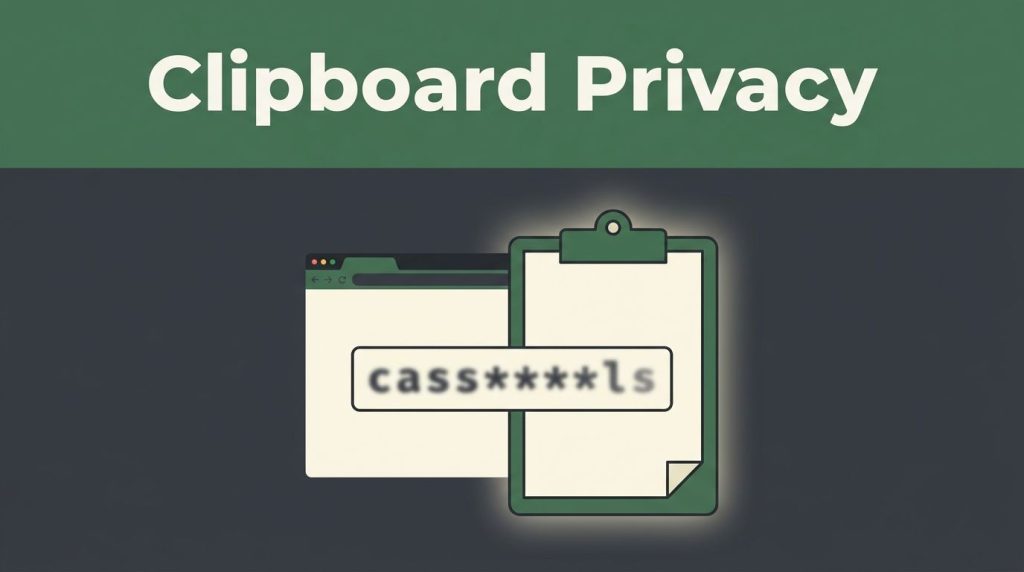
A copied password, wallet address, or private note can leave your control in seconds. The clipboard may be safer than many people think, but it isn’t a sealed container.
The Tor network protects traffic routing, while browser fingerprinting defenses reduce some identification signals. Neither protects clipboard contents from Windows history, screenshots, clipboard managers, or malware. These protections are a security feature with a defined scope, not a guarantee.
Network anonymity doesn’t protect the endpoint, and proxy settings don’t control local clipboard storage. Safe copying starts with an adversarial model that includes shared devices, malicious software, and accidental pasting. A new identity resets the browser session, not the operating-system clipboard. Know what stays in the browser and what moves into your operating system.
Key Takeaways
- Tor Browser can protect traffic routing and reduce some browser fingerprinting signals, but it does not secure the operating-system clipboard.
- Copied data may remain in Windows Clipboard History, cloud sync, clipboard managers, screenshots, rich-text records, or malware, and a new identity does not erase those copies.
- Review pasted wallet addresses, account names, and recipient fields before submitting them, especially when handling cryptocurrency or other sensitive information.
- Use a short workflow: copy only what you need, review it as plain text, paste once, then overwrite or clear the clipboard.
- Download Tor Browser only from the official Tor Project website and verify its digital signature to reduce the risk of clipboard-injector malware.
Why the Tor Browser clipboard behaves differently
Copying text in a tab still uses the operating-system clipboard, so Ctrl+C and Ctrl+V usually work as expected. What may be missing is the stored trail, such as the Win+V panel in Windows, rather than the copied text itself.
Copy works, but history may not
In some versions and configurations, Tor Browser keeps data copied from private windows out of Windows Clipboard History and cloud sync. This reduces the local trail on shared machines and devices signed into a Microsoft account.
If direct paste works but Win+V is empty, this privacy choice is often the reason. It is not a broken Tor Browser clipboard.
On Windows, review Settings > System > Clipboard before handling sensitive material. Microsoft documents how these features can store and share copied items in its Windows and SwiftKey clipboard guide.
Changing proxy settings affects traffic routing, not clipboard retention. Do not confuse proxy settings with local history controls.
Allow history only if you accept the risk
Some Firefox-based builds allow a preference that keeps private copied data in local clipboard history. The trade-off is clear: that data can remain on the local drive and may sync elsewhere if Windows sync is enabled.
To make this change persist across restarts:
- Open
about:profilesin Tor Browser and locate the active profile’s Root Directory, the profile folder. - Close Tor Browser, then create or edit a plain-text configuration file named
user.jsin that folder. - Add
user_pref("clipboard.copyPrivateDataToClipboardCloudOrHistory", true);and save the file. - Restart the browser and test it with harmless text.
Use this override only when you have a real reason. It stays active while user.js remains there, unless you remove or change the file. Settings and behavior can vary by Tor Browser release and operating system. Review the configuration file and test again after browser updates.
A new identity does not erase items already stored by Windows in the clipboard.
The copy risks Tor Browser cannot fix
Tor Browser limits browser-level exposure. The system clipboard is shared space, creating risks outside Tor’s direct control.
A pasted value becomes page data
Web pages don’t get unlimited access to every clipboard item. Browser controls normally require permission, a secure context, or a user action. Still, pasting cryptocurrency wallet addresses or other sensitive text into a form hands that value to the page.
A hostile page may alter text it asks you to copy, collect anything you submit, or deliver a malicious payload after you interact with it. The Clipboard API permission rules explain why clipboard reading and writing depend on browser permissions and user interaction.
A resident clipboard-injector malware process is a different threat from page-level clipboard permissions. It can support clipboard injection attacks by changing copied address-shaped text between copy and paste, without Tor Browser making the substitution.
Check the destination field before you paste. Look at the full onion address, the account name, or the recipient field first. A copied secret should never be pasted into a page you don’t trust.
Tor’s routing controls don’t sanitize text pasted into a page. Proxy settings can change where traffic travels, but they can’t validate pasted data. Reviewing proxy settings also won’t make an untrusted destination safe.
History, rich text, and screenshots leave copies behind
Clipboard managers are useful for normal work, but they can retain dozens of old items. For sensitive browsing, avoid them or pause them for the session. macOS sharing features, Linux clipboard tools, and Windows history each have different storage behavior.
Rich-text copying can also bring unwanted links, tables, formatting, and invisible spaces. When you only need words or an address, paste as plain text where the app supports it. Plain text removes styling, but it doesn’t prove the copied value is correct.
Screenshots are another leak point. A screen capture may land in recent files, a photo library, or cloud backup. A new identity won’t remove screenshots or operating-system clipboard history. Treat an onion-page screenshot like any other sensitive file.
Treat “new identity” as browser-session cleanup, not proof that the operating-system clipboard is empty.
For practical cleanup, use a new identity, then clear sensitive clipboard entries and review recent files. It won’t replace those local cleanup steps.
Safer copy-and-paste habits for private browsing
Small habits stop most accidental clipboard exposure. A short, controlled workflow also makes it easier to notice when copied text changes unexpectedly.
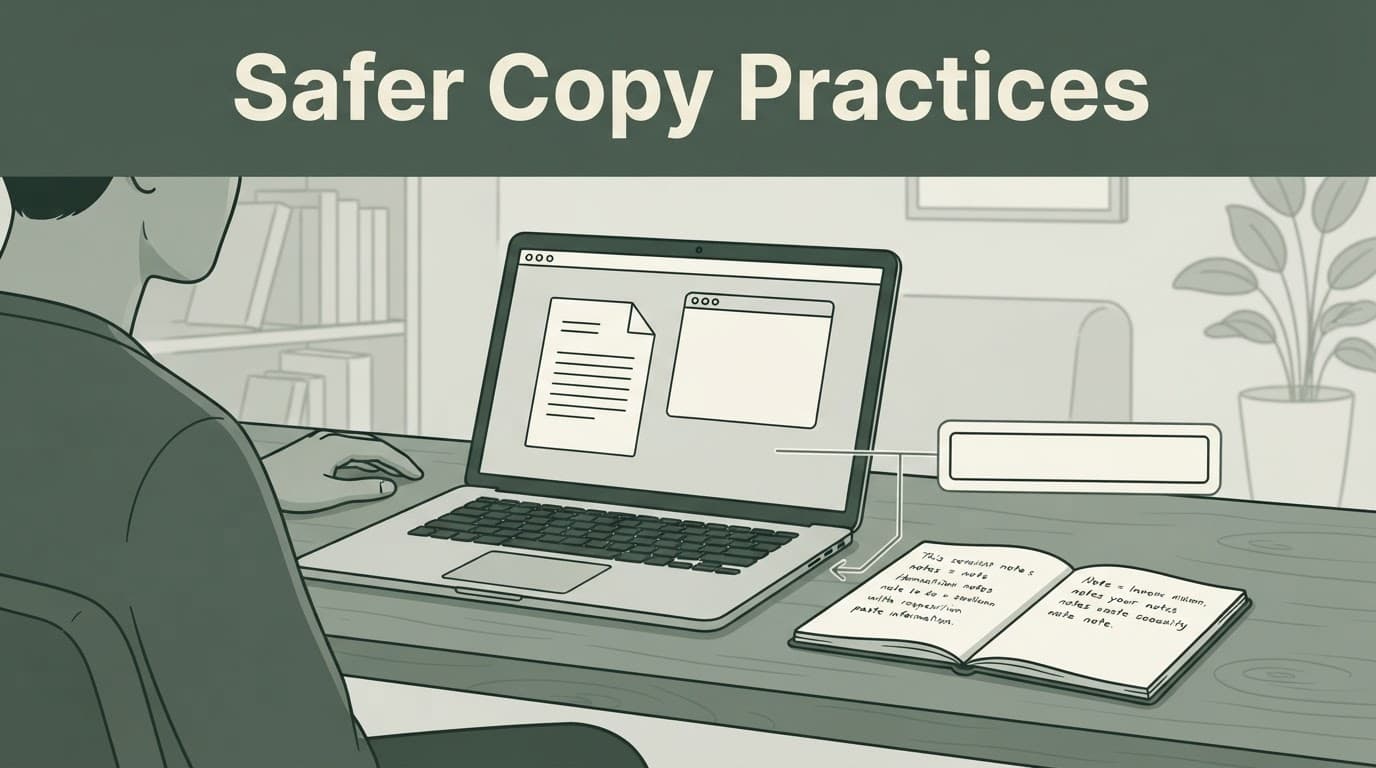
Use a short, controlled workflow
Before copying information from an onion site, slow the process down and follow a short, controlled workflow.
- Copy only the value or text you need, not an entire page, chat, or document.
- Paste it into a plain-text editor for a quick review of an address or short note.
- Verify the receiving field is on the intended page before pasting.
- Paste once, then overwrite the clipboard afterward by copying a harmless word or blank text.
- Do not keep passwords, recovery phrases, identity documents, or wallet addresses in clipboard history.
For cryptocurrency wallet addresses, compare the start and end after pasting. Regular expressions aren’t a substitute for visually comparing those parts. Pattern matching alone can’t prove a copied address is correct. A one-second check can stop a payment from going to an attacker-controlled address.
Keep sensitive browsing separate
Do not mix a private Tor session with everyday messaging apps, cloud notes, work documents, and social media tabs. Each open app is another place copied text can appear by mistake. A new identity can separate browser state between Tor workflows, but it can’t clear the operating-system clipboard.
A separate operating-system account is useful for higher-risk research. Document approved proxy settings alongside its configuration file in that separated environment. Default proxy settings aren’t a clipboard-cleaning tool, and changing proxy settings doesn’t validate pasted text. Use a new identity between unrelated onion workflows when browser state shouldn’t carry over.
For stronger isolation, Whonix places Tor activity behind a dedicated gateway system. Its advanced Tor Browser guidance explains that proxy settings can be centralized at the gateway, but warns that custom proxy settings can create non-Tor connections. After closing a sensitive workflow, use a new identity when appropriate.
Changing Tor Browser defaults can also make your browser easier to identify. Keep extensions off, avoid unusual custom settings, and don’t treat anonymity as a guarantee of safety. Recheck proxy settings after an update. Remember, a new identity can’t clear the operating-system clipboard.
Fake installers create the bigger clipboard threat
A privacy setting cannot protect you from a trojanized Tor Browser installed with malware. This is where the most serious Tor Browser clipboard risk begins.

How clipboard-injector malware changes addresses
Clipboard-injector malware watches for address-shaped text, using regular expressions to identify patterns before swapping them for an attacker-controlled value. It may recognize a Bitcoin address beginning with bc1, a legacy address beginning with 3, and formats used by Ethereum, Litecoin, Dogecoin, and Monero.
Kaspersky reported a 2023 fake Tor Browser campaign affecting more than 15,000 users in 52 countries, with estimated thefts of at least $400,000. Russia had the most detections, followed by countries including the United States, Germany, Uzbekistan, Belarus, China, the Netherlands, the United Kingdom, and France.
This is a classic clipboard address-substitution attack and part of a broader pattern seen in clipboard injection attacks. Clipboard-injector malware may use regular expressions to match common prefixes, then replace copied content from a local configuration file. This can happen on the local drive without suspicious network traffic, while another configuration file supplies attacker-controlled addresses.
A basic warning test is to copy and paste bc1heymalwarehowaboutyoureplacethisaddress in Notepad. If it changes, stop handling funds or credentials, disconnect from sensitive accounts, and run a trusted scan with security software.
An unchanged test string doesn’t rule out compromise or prove that a Bitcoin address is safe. After suspected infection, a new identity resets only a Tor session. Starting a new identity won’t clean an infected host. Malware may alter proxy settings during an infection. Review proxy settings for unauthorized changes, and don’t casually change proxy settings as a substitute for rebuilding a trusted environment.
Download, verify, then install
Trojanized Tor Browser packages have appeared on third-party mirrors, torrent posts, and lookalike download pages. A fake installer can deliver a malicious payload, so treat every such source as an untrusted third-party resource. Download Tor Browser only through the official Tor Project download page on the official Tor website.
Before installation, obtain the matching .asc file. Use the official Tor website’s instructions to check the package’s digital signature and verify the browser signature. A valid digital signature confirms the package was signed by Tor Project and wasn’t modified after release.
Packing and obfuscation can conceal a malicious payload’s behavior. An Enigma packer is one example of a packer that may obscure code, but this alone doesn’t show that the cited campaign used it. During an authorized analysis, analysts can use regular expressions to search a sample for indicators of malicious code and inspect its configuration file.
If a business device may be infected by a trojanized Tor Browser, preserve the suspicious installer and involve internal security staff before wiping evidence. Organizations that need a scoped, authorized assessment can work with Pro Ethical Hackers For Hire under a clear written agreement.
Onion link lists need a separate trust check
Many deep web sites are lawful, including research resources and privacy tools. Their long addresses are difficult to inspect, making copied links attractive to attackers.
A directory label is not proof of ownership
An onion-link directory is a third-party resource. Its label may reduce typing mistakes, but it doesn’t establish ownership, authenticity, legality, or safety.
Names such as tor taxi, tor watch, and categories described as deep web market places can be copied, impersonated, or left outdated. Avoid illegal marketplaces, and never give credentials, payment details, or personal documents to a page because it appears in a directory. An untrusted directory may point readers toward a trojanized Tor Browser package, so cross-check browser downloads with the official Tor website.
For lawful research and education, Verified Tor Onion Links can be a starting point, not a guarantee. Check the address yourself, and remember that a new identity resets a browser session, not the destination’s trustworthiness. Avoid downloading unknown files, and treat every unexpected login prompt with caution.
Privacy depends on the whole device
Tor Browser protects the connection path. Correct onion links don’t validate your proxy settings. Proxy settings are part of your device’s connection path, not proof of a directory’s ownership.
Your behavior still protects the information at each end of that path. Don’t change them blindly; understand the route first. Review proxy settings alongside your apps, accounts, and copied data. A clean browser, limited clipboard use, and careful destination checks add another layer of protection. They also reduce the damage if one browser tab, app, or copied link cannot be trusted.
Frequently Asked Questions
Does Tor Browser protect everything I copy to the clipboard?
No. Copying from Tor Browser usually uses the operating-system clipboard, which may be accessible to clipboard history, sync services, clipboard managers, screenshots, or malware.
Does a new identity clear the clipboard?
No. A new identity resets the Tor Browser session and separates browser state, but it does not erase items already stored by the operating system or other applications. Clear or overwrite sensitive clipboard data separately.
Why does Ctrl+V work when Windows Clipboard History is empty?
Tor Browser may allow direct pasting while keeping copied data out of Windows Clipboard History and cloud sync. In that case, an empty Win+V panel can be a privacy feature rather than a clipboard failure.
How can I safely copy a cryptocurrency wallet address?
Copy only the address, paste it into a plain-text editor for review, and compare its beginning and end after pasting into the destination field. Overwrite the clipboard afterward, and remember that clipboard-injector malware can replace an address between copying and pasting.
How can I reduce the risk of a fake Tor Browser installer?
Download Tor Browser only from the official Tor Project website and verify the matching package signature before installation. Third-party mirrors, torrents, and lookalike pages may distribute trojanized installers that can monitor or alter clipboard contents.
Keep Your Clipboard as Private as Your Browsing
The safest practice is simple: copy less, verify the destination and pasted value, then overwrite or clear sensitive data when finished. A new identity separates browser sessions, but it doesn’t clean your operating system.
A copied item can still be exposed through sync, history, screenshots, clipboard managers, or malware. Proxy settings control routing, not clipboard hygiene. Good copy habits close those gaps without making private browsing harder than it needs to be.